
QuickBooks keeps the books.
Commish does the commission
People search for QuickBooks commission tracking because the books live there and the commission math lives in a spreadsheet beside it. Commish replaces the spreadsheet. It does not connect to QuickBooks, and this page says exactly what it does instead.
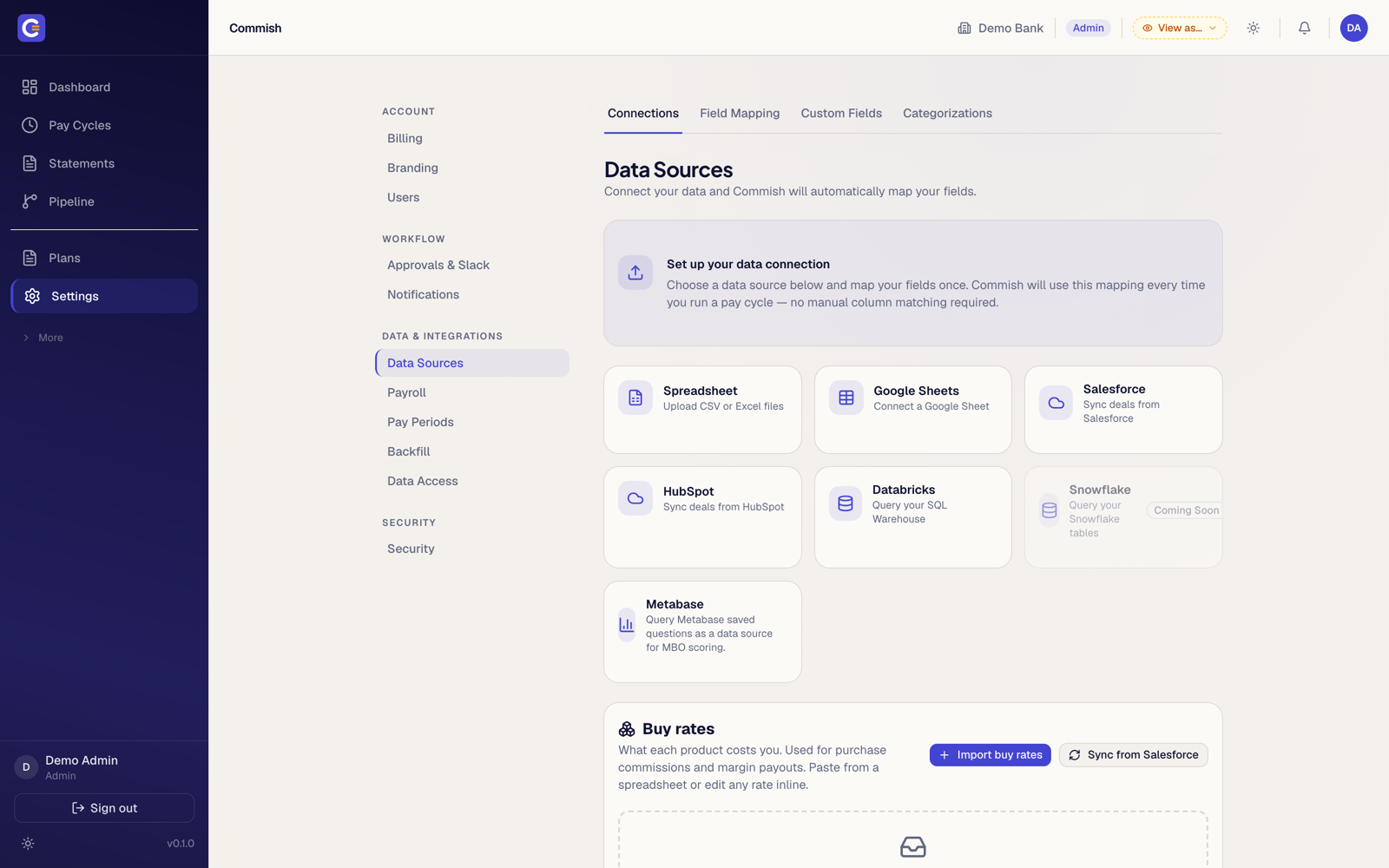
What Commish does and does not do with QuickBooks
There is no QuickBooks connector. Commish reads deal data from your CRM, a spreadsheet or a warehouse, calculates every rep's commission under the plan you wrote, and produces statements and an approved pay run. That run leaves as a payroll file in your provider's layout, ADP included, or as a CSV. Loading it into QuickBooks Payroll as a pay item, or posting it as a journal for the accrual, is a step your bookkeeper already knows.
Why the calculation should not live next to the ledger
QuickBooks records what was paid. It cannot tell a rep why their number is what it is, reverse a clawback at the rate that applied four months ago, or split one deal three ways with a receipt for each party. Those are the questions that eat a finance team's week. Commish answers them before the number reaches the books.
If you are not ready for software yet
Download the free commission tracker. It is a four-sheet workbook with a plan, a deals log and a monthly statement per rep, and it carries a small team a long way. When splits, overrides and late-funding deals arrive, bring the same sheet to a demo and we will run it.

Calculate with a receipt,
then pay from QuickBooks
Bring the spreadsheet you keep beside the ledger. That is the plan.
Screenshots show a demo organisation with illustrative data.